Travel Photo Toolkit
Make a photo ready to share: crop, straighten, resize, and save a fresh copy without embedded location data.
New to photo editing? Start here
- Choose a photo. It stays on your device while you work.
- Frame it. Choose a crop shape, drag the photo to reposition it, then straighten or zoom as needed.
- Improve it. Open Light & Detail and adjust one slider at a time. Zero means no change.
- Save a copy. Open Save, choose a size and format, then download. Your original is untouched.
Your Photo:
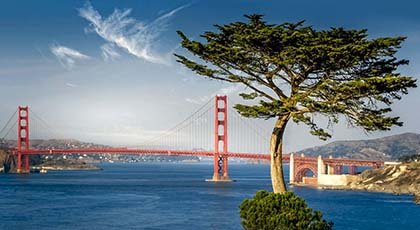
Start with a favorite shot
Or you can choose one from your device:
One photo at a time · JPG, PNG, WebP, or another format your browser can open
The outlined picture shows what will be saved. Drag it to reposition the crop. The checkerboard around it marks the work area and will not appear in your download.
Your original stays intact. The preview uses a smaller working image; the downloaded file is rendered from the original at your chosen dimensions. Photos up to 60 megapixels and exports up to 24 megapixels are supported. Keep the original to retain its maximum detail and camera information.
Road Trip Deals


 Gear photo
Get Your Travel Guide
Essential travel guides for the United States, Canada, Mexico, the Caribbean, a.
Shop Deal